
Extra Features List
Inside Winning Times Some of the Winning Times features are listed below:
 Some of the Winning Times features are listed below:
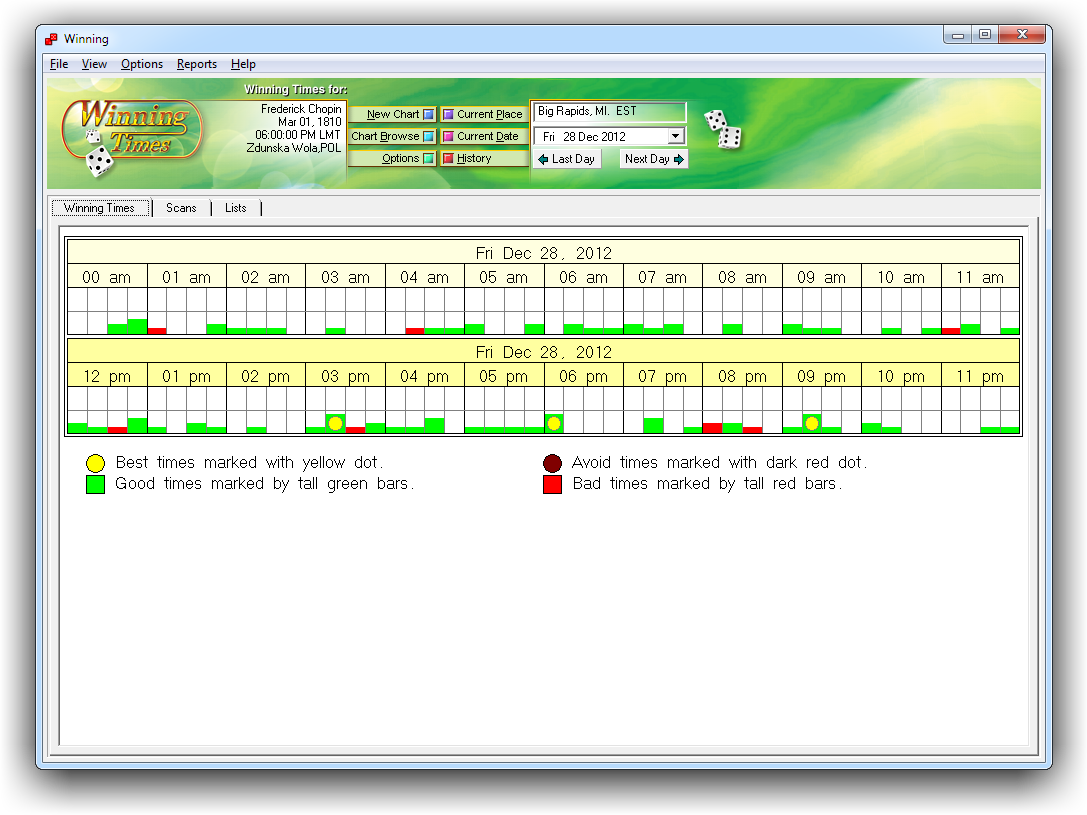
The main screen displays the birth information that is being used and a graph showing a simplified view of your fortunate and unfortunate times in increments of 15 minutes.
[ TOP ]
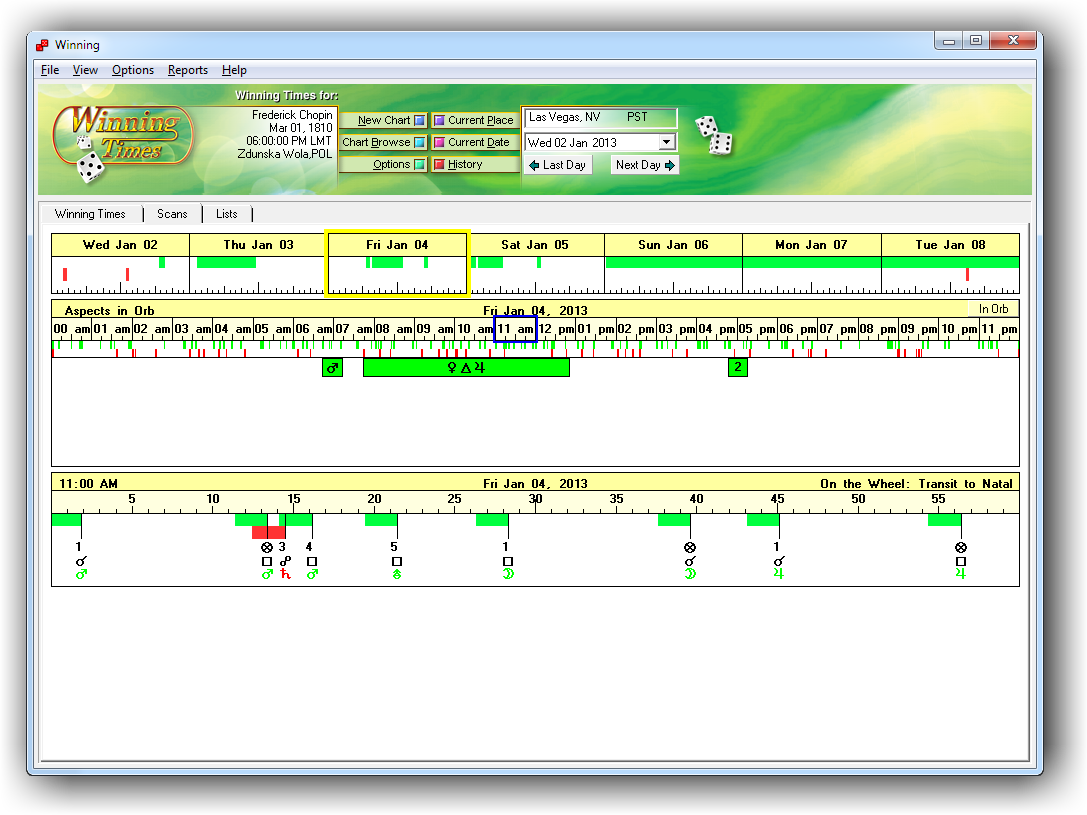
Winning Times shows you the day's aspects in orb. You can visually see when the aspect enters and leaves (using the orb of your choosing).
[ TOP ]
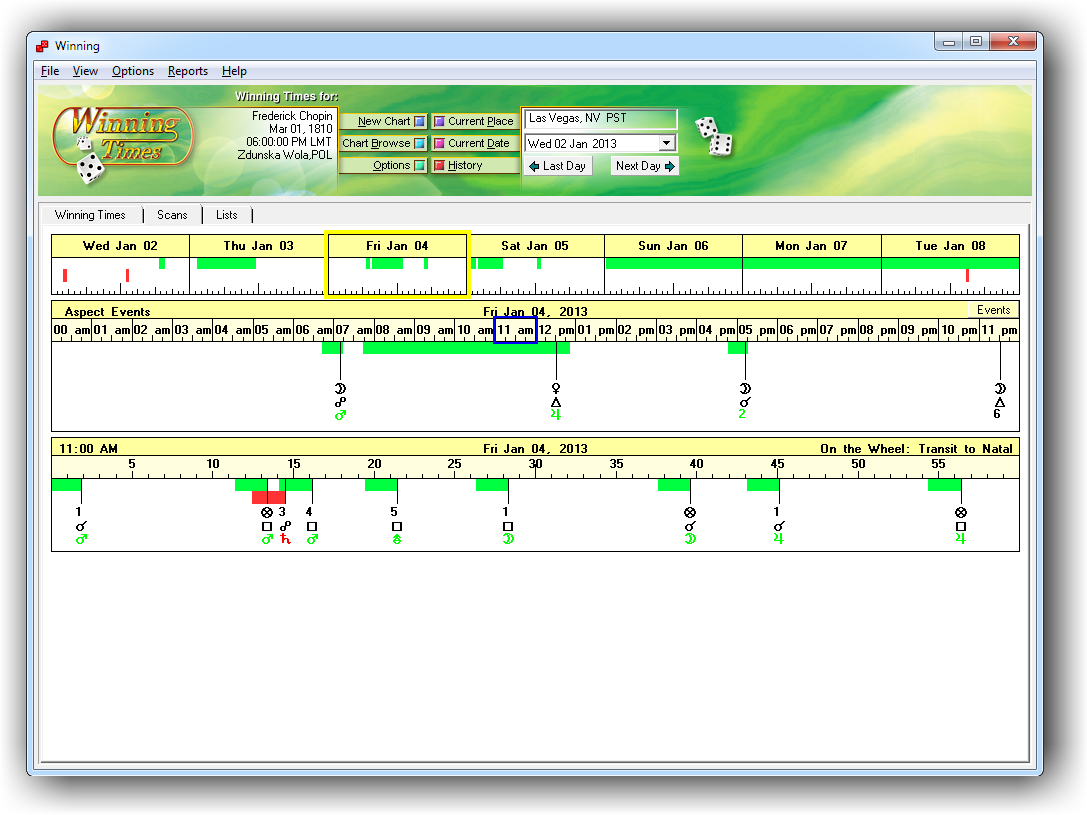
This view shows you all of the aspects at the time of their exact hit. You can click on an aspect to see the enter, exact, and leave times.
[ TOP ]
The List View shows you a chronological list of the days aspects. Click on an hour to see the "On the Wheel" aspects listed in column at the right.

[ TOP ]
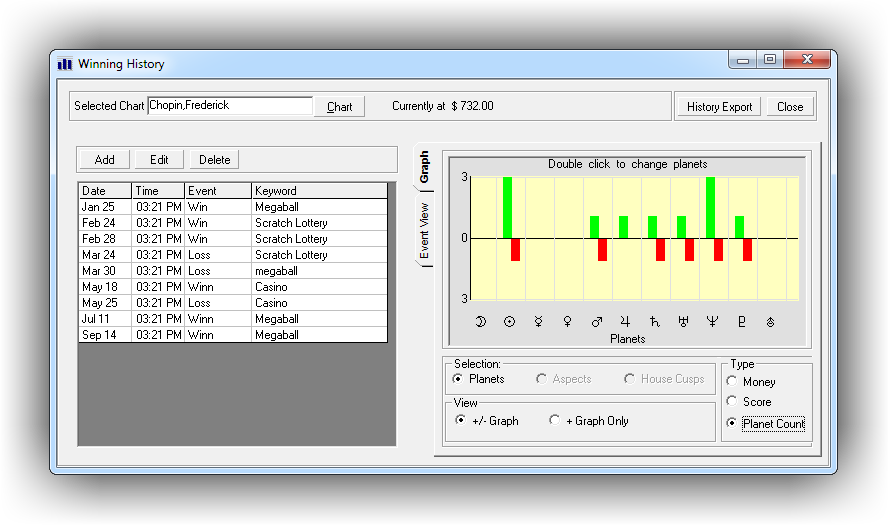
The History Graph shows a total of how many times a planet or aspect is involved in a positive or negative event.
[ TOP ]
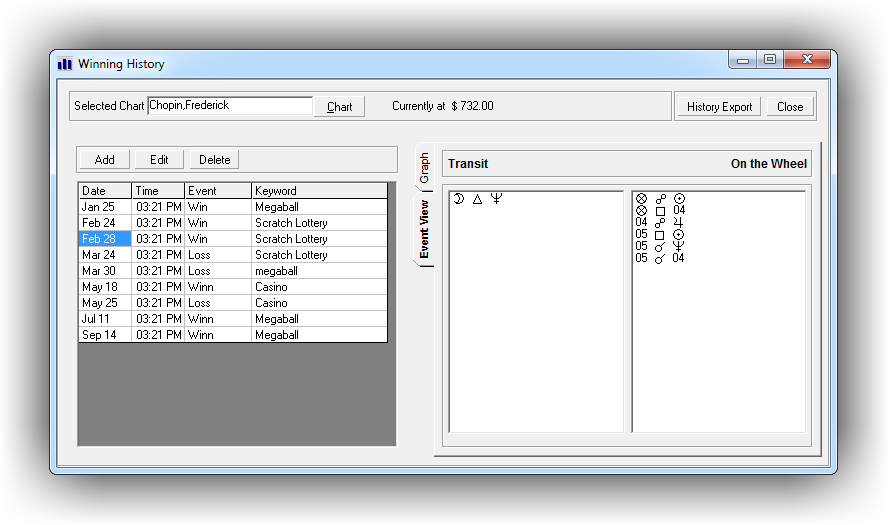
The Event View shows you which astrological events and aspects are saved in association with each personal event in the History Log.
[ TOP ]
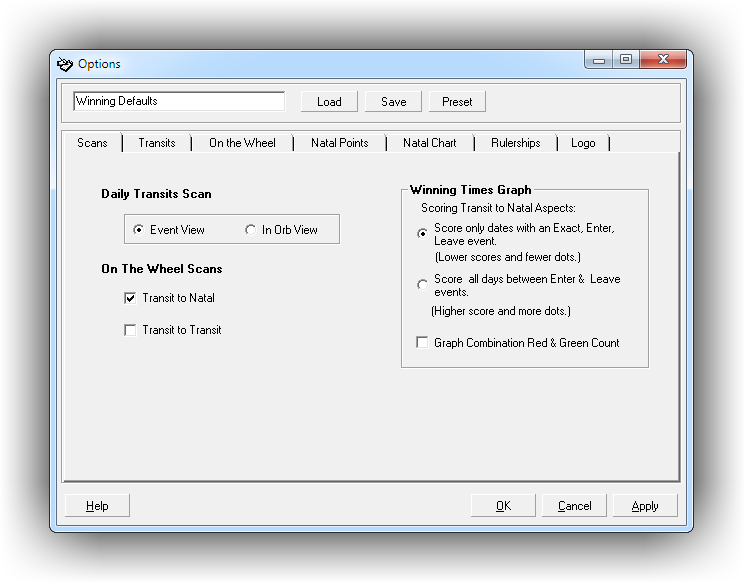
The Scans Options allow you so select what type of scans appear under the "Scans" tab.
In the Daily Transits you have two options: Event View and Orb View. Event View shows you when the event makes its exact hit, while Orb View displays the hit as a bar of time using a 15' enter orb and a 1' leave orb. You can also use these options to choose whether you want to see Transit-to-Natal hits and/or Transit-to-Transit hits in your the Wheel Scans.
[ TOP ]
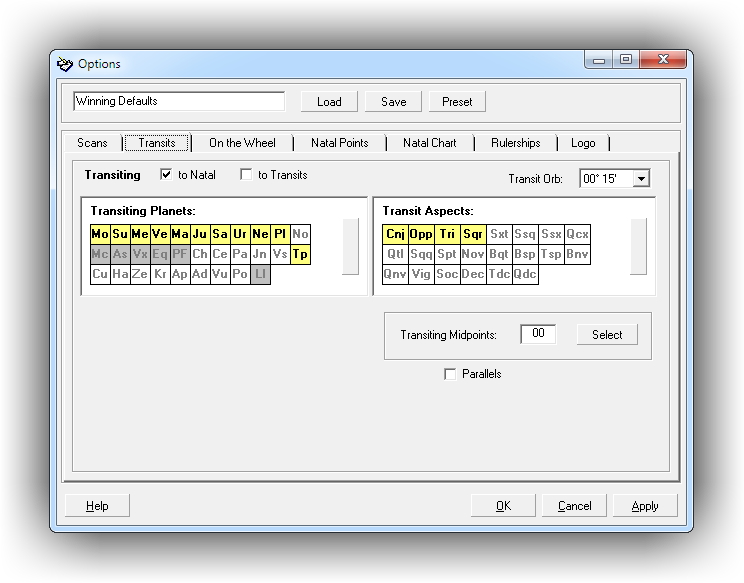
Winning Times is fully customizable. Use this form to choose which transiting planets you want to see in your scans and lists, as well as which aspects you want to use. You can even add midpoints.
[ TOP ]
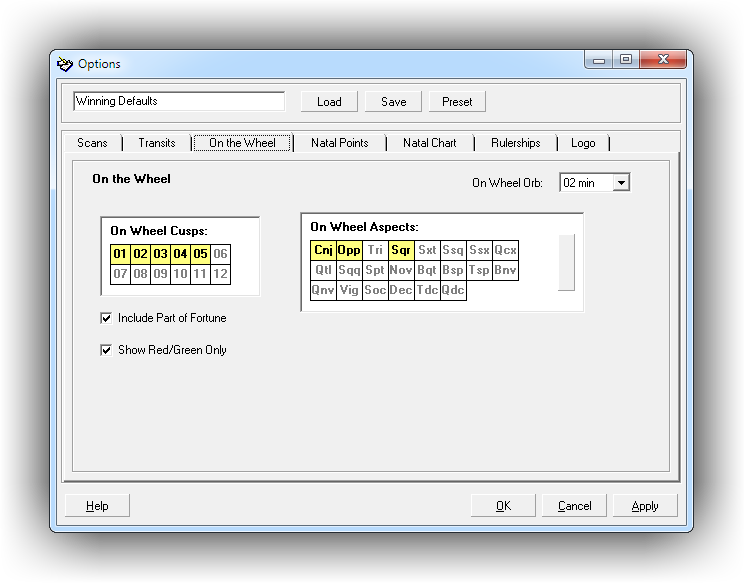
The On the Wheel scan lets you time down to the minute, including transiting house cusps. You have the option to select which houses to include, as well as which aspects. You can even select the orb.
[ TOP ]
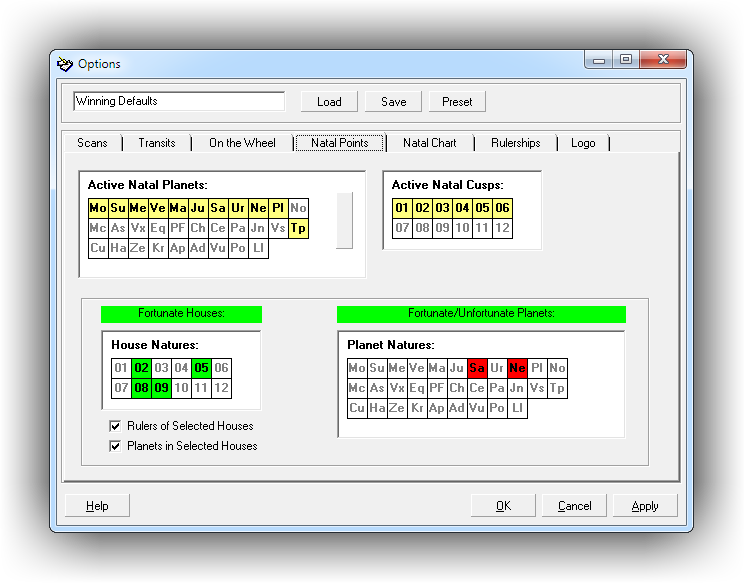
Winning Times lets you choose which natal planets to target in your scans and lists. Aspects are also shown to your natal house cusps, so you can choose which of these hits to display, too.
The default settings have some houses as green (fortunate) and some planets as red (unfortunate), but you can customize these settings however you see fit.
[ TOP ]
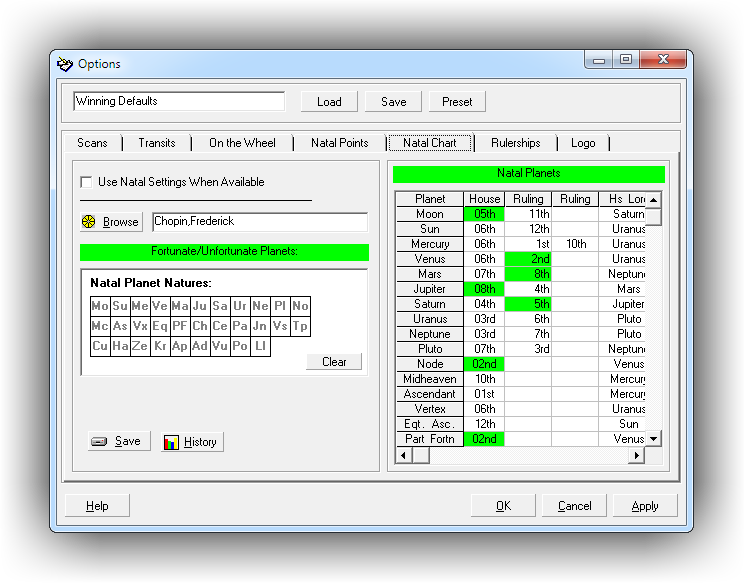
You may find that what is fortunate for you, is not fortunate for everyone. Winning Times can be customized to reflect this. You can choose which planets are fortunate or unfortunate for each of your saved charts.
When you have the Use Natal Settings When Available option turned on, your settings will override those found in Natal Points.
[ TOP ]
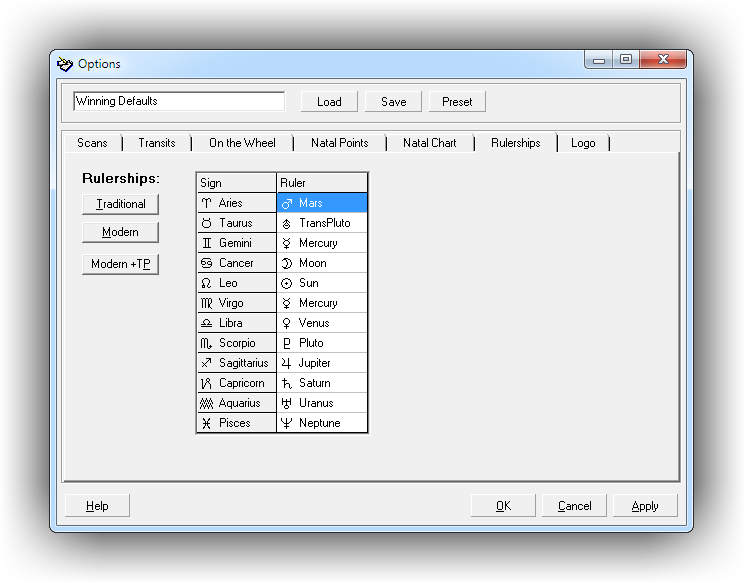
Winning Times gives you the option to use Traditional, Modern, or Modern+TP rulerships. Or, use your own!
[ TOP ]
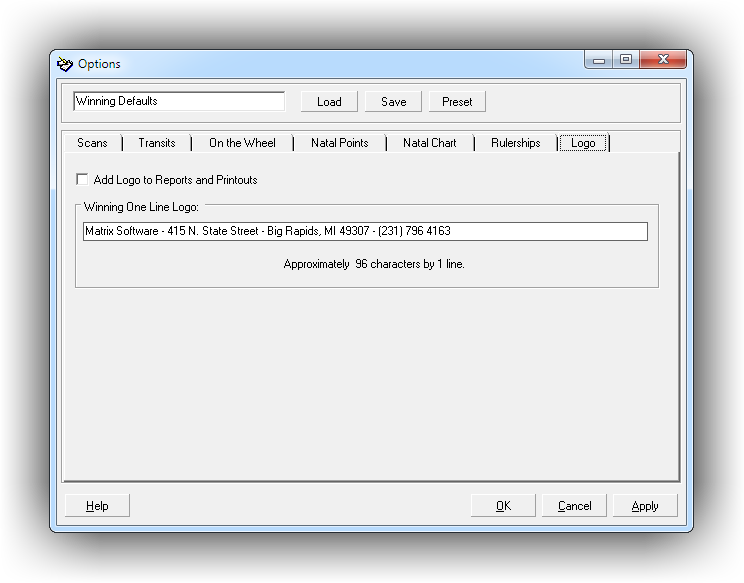
Winning Times gives you the option to add your company name, address, and phone number to the reports.
[ TOP ]
Experienced Professional astrologers and serious student astrologers.
Not recommended for use by non-astrologers.
All calculation and/or interpretations produced by this program are intended for research or entertainment only. Matrix Software and all associated companies assume no liability for any decisions made based upon output from this program.