
Calculation Tools
for Personal & Professional Versions
All of these tools are available in in both the Blue*Star and Blue*Star Pro versions.
All of these tools are available in in both the Blue*Star and Blue*Star Pro versions.
 |
Pop Up Interpretations Click on any planet and it will pop-up an interpretation for the planet in that location, Shift+Click to pop-up a Sabian Symbol with Star*Type Card. |

|
|
 |
Copy to the Clipboard Under the "Edit" menu you can copy the chart wheel and the chart data to the clipboard and paste it into a word document, e-mail, graphic program, etc. |

|
|
 |
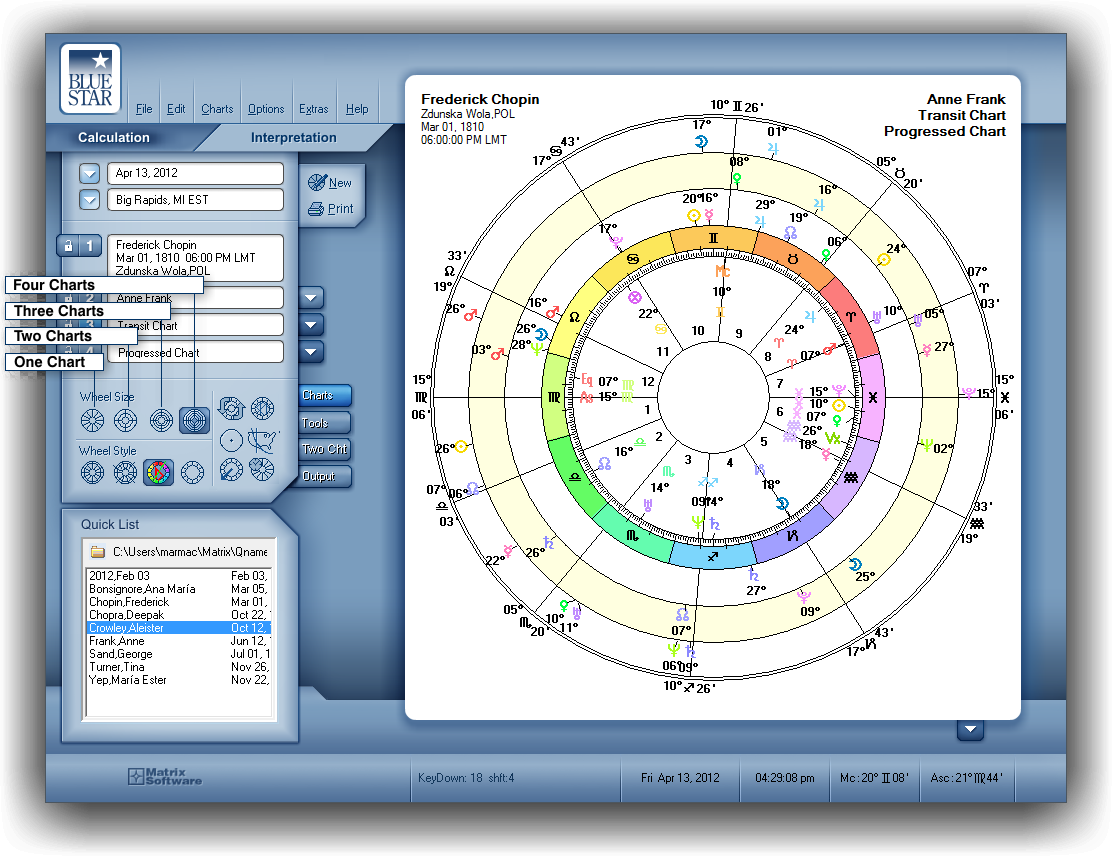
Wheel Size You can choose from a single wheel to a Quad-Wheel. |
|
|
 |
Wheel Style You can choose from Standard House Wheel, Unequal House Wheel, Euro wheel, and Aries Wheel. |

|
|
 |
Swap Charts When working with bi-wheels, tri-wheels, and quad-wheels, this feature interchanges the innermost (center) wheel and the second wheel's position, so that the chart displayed in the wheel next to the center (the second wheel) is moved to the center. |

|
|
 |
Center Aspects Aspects are displayed in the center of the chart wheel. Aspects display in all wheels except in the equal-house standard wheel. |

|
|
 |
Helio Chart Heliocentric chart wheel will be calculated using the selected Current Chart. |

|
|
 |
Local Space The Local Space technique processes your chart at any location into a map of the 360 degrees of horizon surrounding that location. Your birth planets are projected using azimuth and altitude instead of the zodiac's longitude and ecliptic latitude. |

|
|
 |
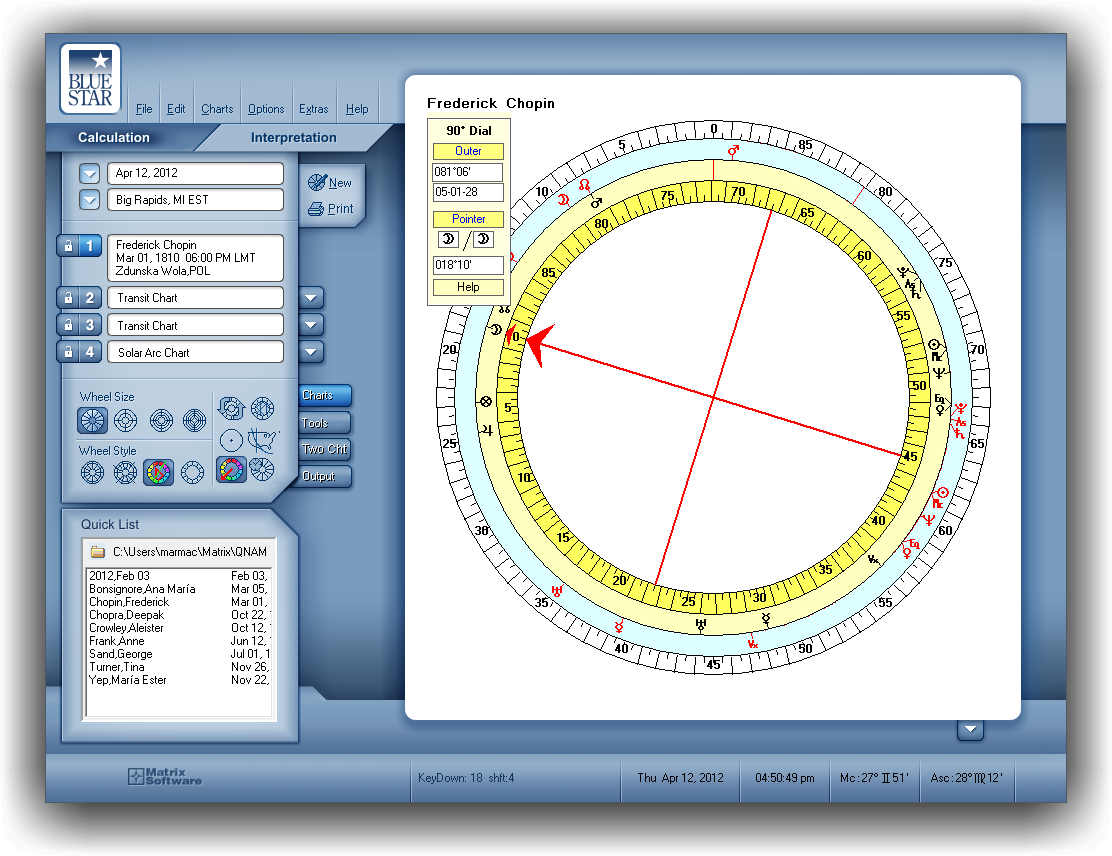
90° Dial The 90° Dial applies direct arcs to a natal chart. The dial has a 360° wheel in the center which shows the normal planet placements. The outer two rings are divided into 90°. |
|
|
 |
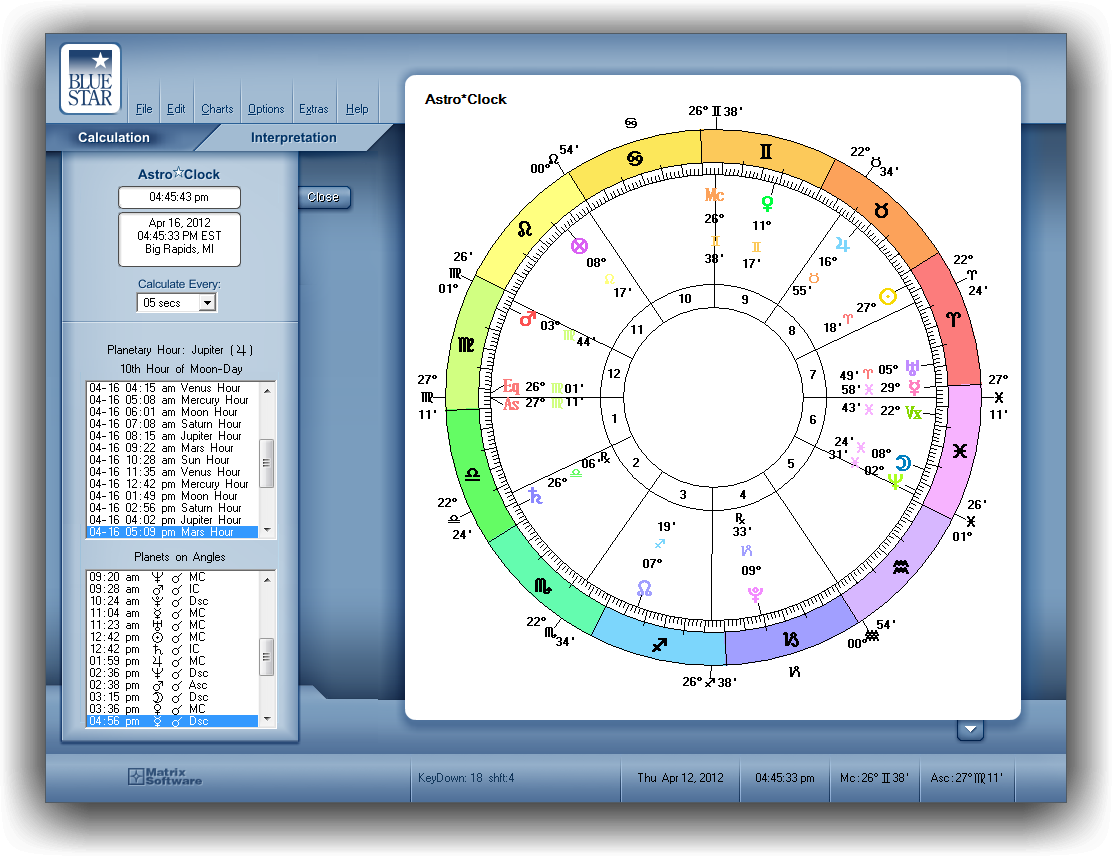
Astro Clock The chart wheel, which is essentially a transit chart, shows the Zodiacal positions of the planets from the vantage point of the Current Place. These positions are updated at a frequency you choose—at intervals ranging from 1 second to 15 minutes. |
|
|
 |
Aspects List Box The Aspects Toolbox gives a list of the aspects in the current chart. Click on an aspect and it will be highlighted in the wheel; also, a pop-up interpretation will appear. Sort the aspects by planetary pairs, orb from exact, aspect types, angular separation, applying and separating, planets, aspects, and patterns found. Select an aspect and press the History button to see when these two planets formed aspects in the past, either by transit, progression, or direction. For bi-wheels, you can select either one of or both charts to see the aspects between them, giving you a quick overview of transits, progressions, and synastry aspects. |

|
|
 |
Synastry A quick guide to the major interactions between two charts, it lists inter-aspects between the charts and midpoint contacts for the Sun/Moon and for Venus/Mars. Aspects are listed by planet, in a traditional aspect grid. The orbs of separation and the houses linked by an aspect are listed as well. |

|
|
 |
Current Date Control Adjust the date and time of the outer charts, stepping them forward or backward according to any time interval, or, use the animate buttons to watch transits, progressions, and directions move around the natal chart. Quickly jump to the next or previous lunar or solar return, or new moon or full moon. Advance any of the major planets to any of the four angles to find critical times through the day for electional or predictive work. |

|
|
 |
Arabic Parts Lists the positions of 131 Arabic parts, giving the longitude, the formula, and what house the part is found in. Clicking on any part will show you where it is found in the chart wheel. |

|
|
 |
Time*Scan See a timeline showing the major aspects, ingresses, planetary hours, and angle transits—also shows void-of-course times and the changing house positions of the planets. Set it anywhere from a length of three days to twenty-one years. One-click changes from a scan view to a list view. |

|
|
 |
Star*Type Pattern Your Star*Type is the whole-chart pattern that dominates your heliocentric chart. Here is an extensive interpretive text by Michael Erlewine, who has been studying these patterns for forty years. The originator of Star*Types, he designed illustrations that correspond to both the patterns and their interpretations. These make it simple to comprehend and remember the core idea of each StarType. |

|
|
 |
Around the Wheel Pick any planet to see where it is in its current cycle around the chart wheel, using transit, progressed, or directed motion: gives a list of the major aspects of the selected planet, from past to present—and going into the future. Pick any one and look at a pop-up chart wheel to see what was happening at that time. Quickly puts current aspects into their proper perspective and time frame. |

|
|
 |
Planetary Hours A list of the beginning times of each planetary hour for the current day. Planetary hours were used to name the days of the week. They have been observed, in an unbroken stream, since before 300 BC. |

|
|
 |
Midpoints Contains a pop-up list of the chart's midpoints, with sign and house positions that can be sorted by planet(s) or by position. Clicking on a midpoint will show the midpoint in the wheel, and pop-up keywords will identify the nature of the midpoint. |

|
|
 |
Phase Chart Redraw the chart according to the phase angle between each planetary pair. A technique developed by Michael Erlewine, it gives a unique chart for each planet that provides insight on how that planet relates to all of the others. |

|
|
 |
Chart 1 and Chart 1 Allows you to display a single chart with two different views. |

|
|
 |
Chart 1 and Chart 2 This option displays two separate charts at once, such as natal chart along with a transit chart, or even two natal charts side by side. |

|
|
 |
Print Wheel Print the currently displayed chart directly to your printer. |

|
|
 |
Interpretations The program offers three interpretations for a current chart: Natal, Transit, and Synastry Reports. You can easily read these on screen or print them. |

|
|
 |
Current Wheel to PDF Create a PDF file of the current chart. |

|
|
 |
Select Wheel to PDF In Blue Star, you have over 200 chart wheels to select from when creating a PDF file. |

|
|
 |
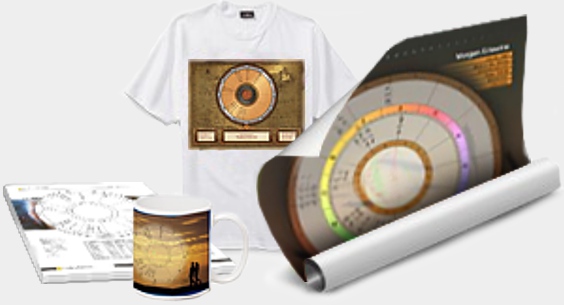
Designer Wheel to PDF These are high quality PDF chart wheels with spectacular graphics. You can print them on 8.5x11, Posters, T-Shirts, etc. They are intended to be complementary gifts to customers, or, they can be sold to clients as an extra service. The program includes six designs—and, you can add your own designs as you go! |

|
|
The six Free Designer Wheels included in Blue*Star 6.0. |
|||
|
Tap Image for a Sample |
Classic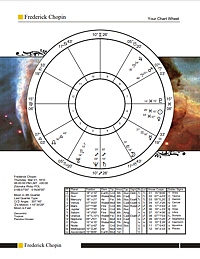 |
Old Map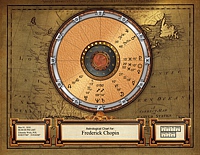 |
Art Nouveau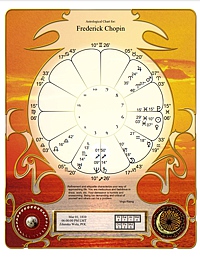 |
Earth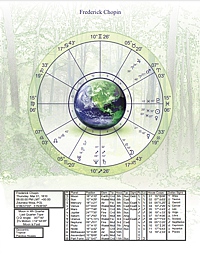 |
Scenic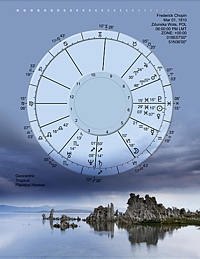 |
Pennsylvania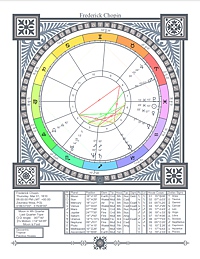 |
|
[ TOP ]